Depending on the size of your operation, you may wish to allow one, two, or however many more trusted members of your team access to the system. With this in mind, it may be a good idea to create defined user accounts, either by person or role.
You can manage and create new users by selecting the Users option from the Admin section of the main menu.
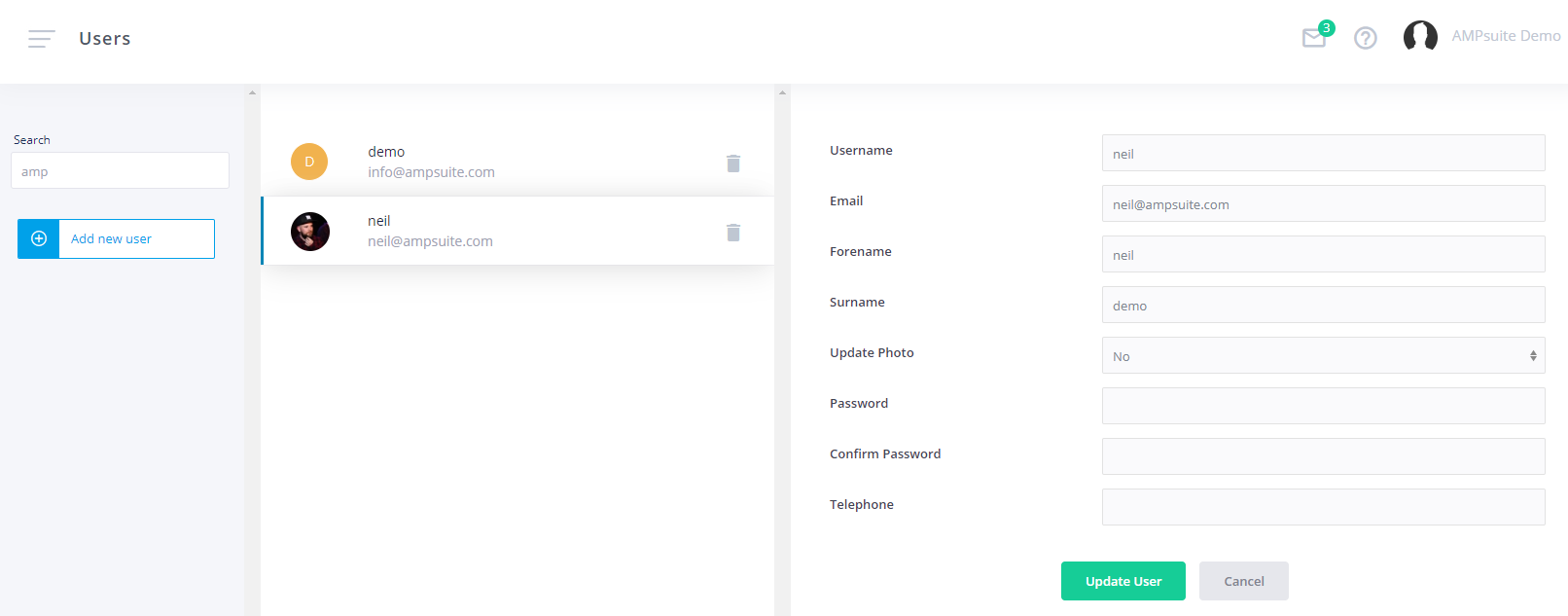
NOTE: All users created here will have the same access rights as the user creating them, minus access to the 'Admin' section of the menu. If you wish to restrict user access to a particular sub set of labels, refer to the accounts section of the help guide, do NOT create them here. If you need to restrict users to only have access to certain functionality within your ampsuite system (e.g. hide accounting / reporting options) please contact your ampsuite representative.
To edit an existing user simply click on them from within the displayed list, it is possible to update a user's personal details as well as upload an image, and reset their password.
To create a new user, click the Add new user button on the left of the screen. You can then choose a username and password for this new account and personalise it with a Forename and Surname.
If multiple people are going to be accessing your ampsuite system we recommend making a new user for each, as this allows for better auditing if we should ever need to work out who has made changes to a particular release, and also to easily disable access to a user if needed.